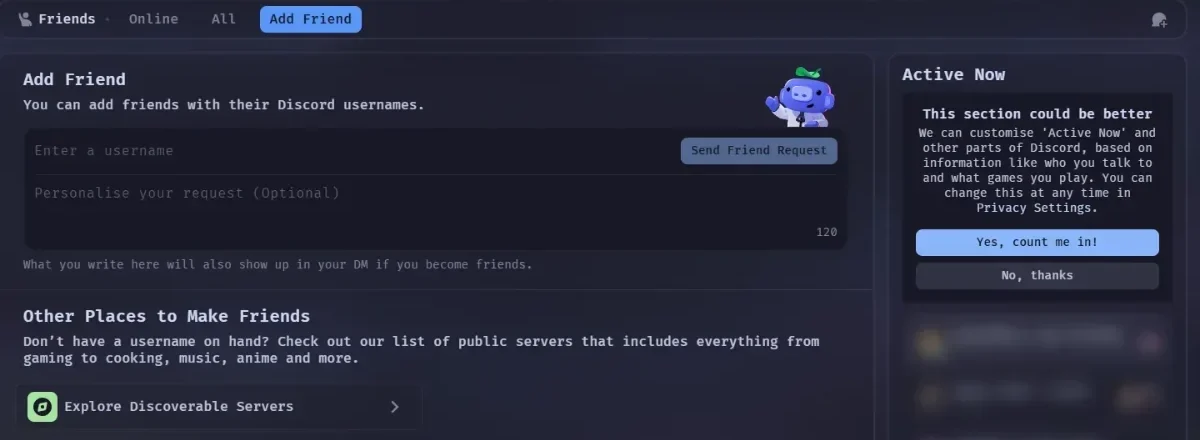
MochaCord
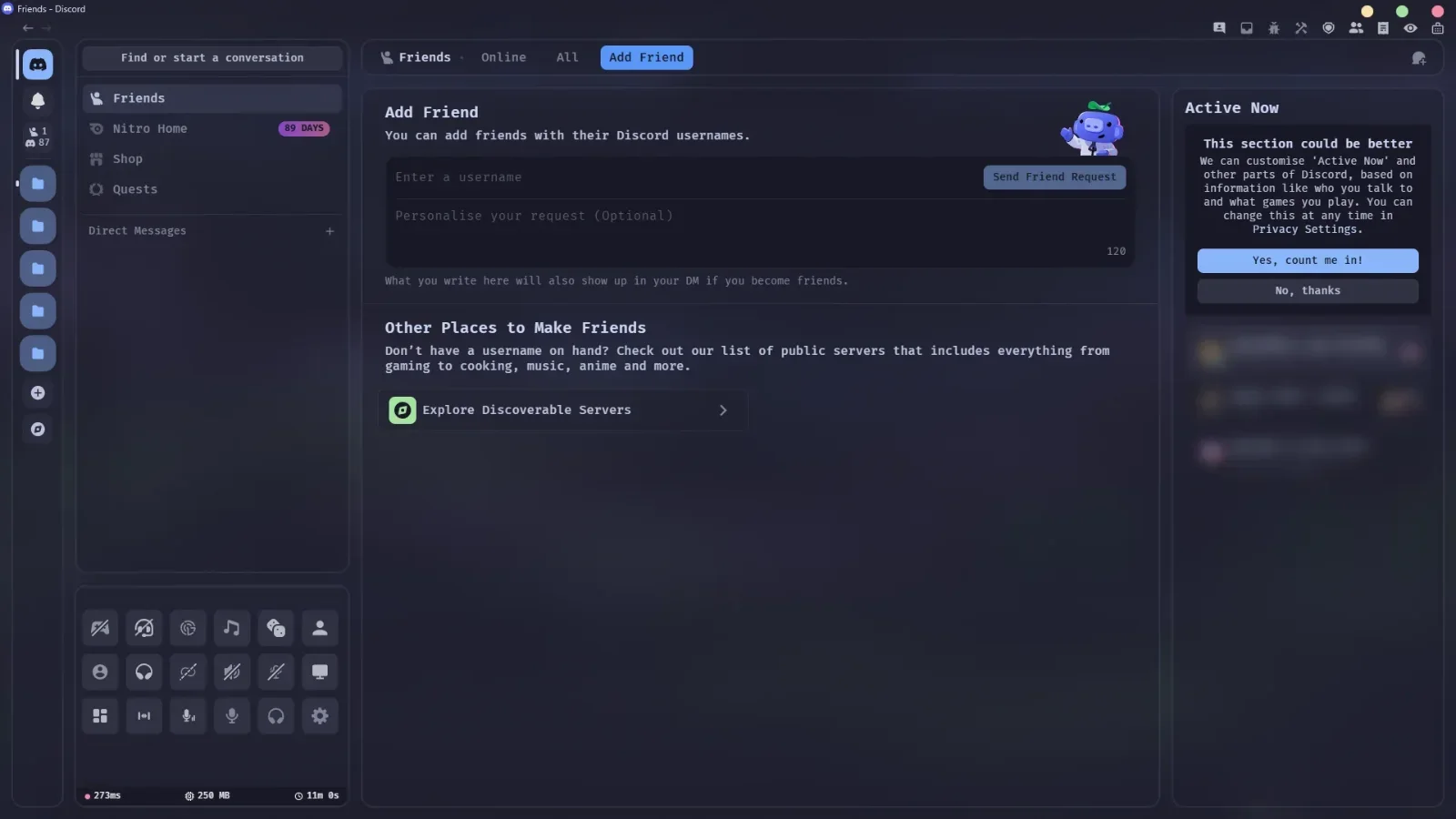
DiscordFrosted glass panels and rounded corners on every part of Discord.
Needs TestCord, Vencord or Equicord
Free themes for Discord, Steam, TIDAL and T3 Code. They share the same Catppuccin Mocha colours, so every app looks like part of one desktop.
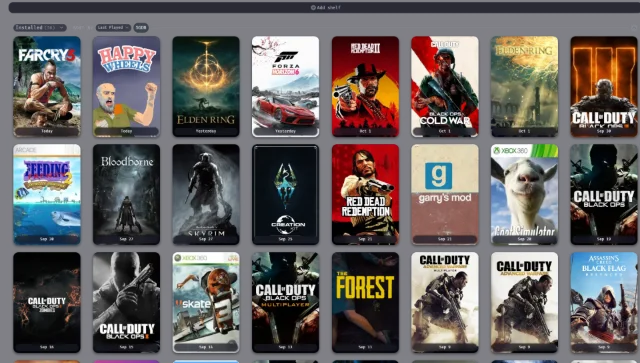
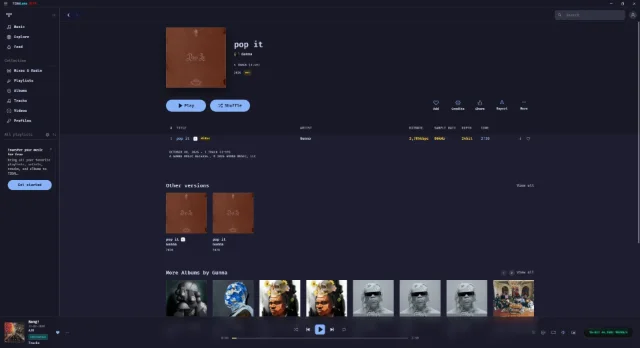
Pick one or use all four. Each card says what you need first.
Frosted glass panels and rounded corners on every part of Discord.
Needs TestCord, Vencord or Equicord
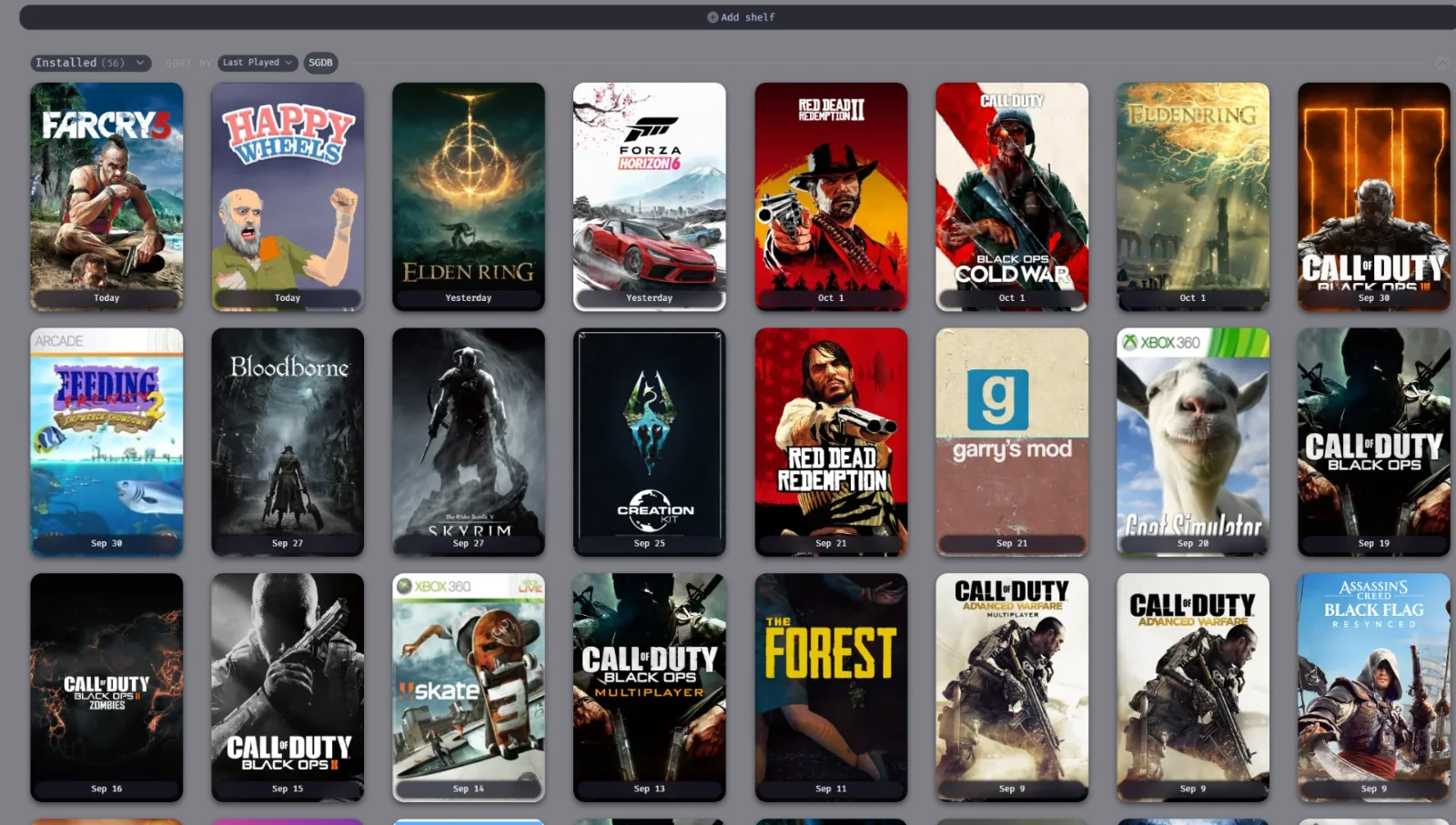
Frosted menus and real Windows 11 blur behind your library. Built on SpaceTheme by SpaceEnergy.
Needs Millennium
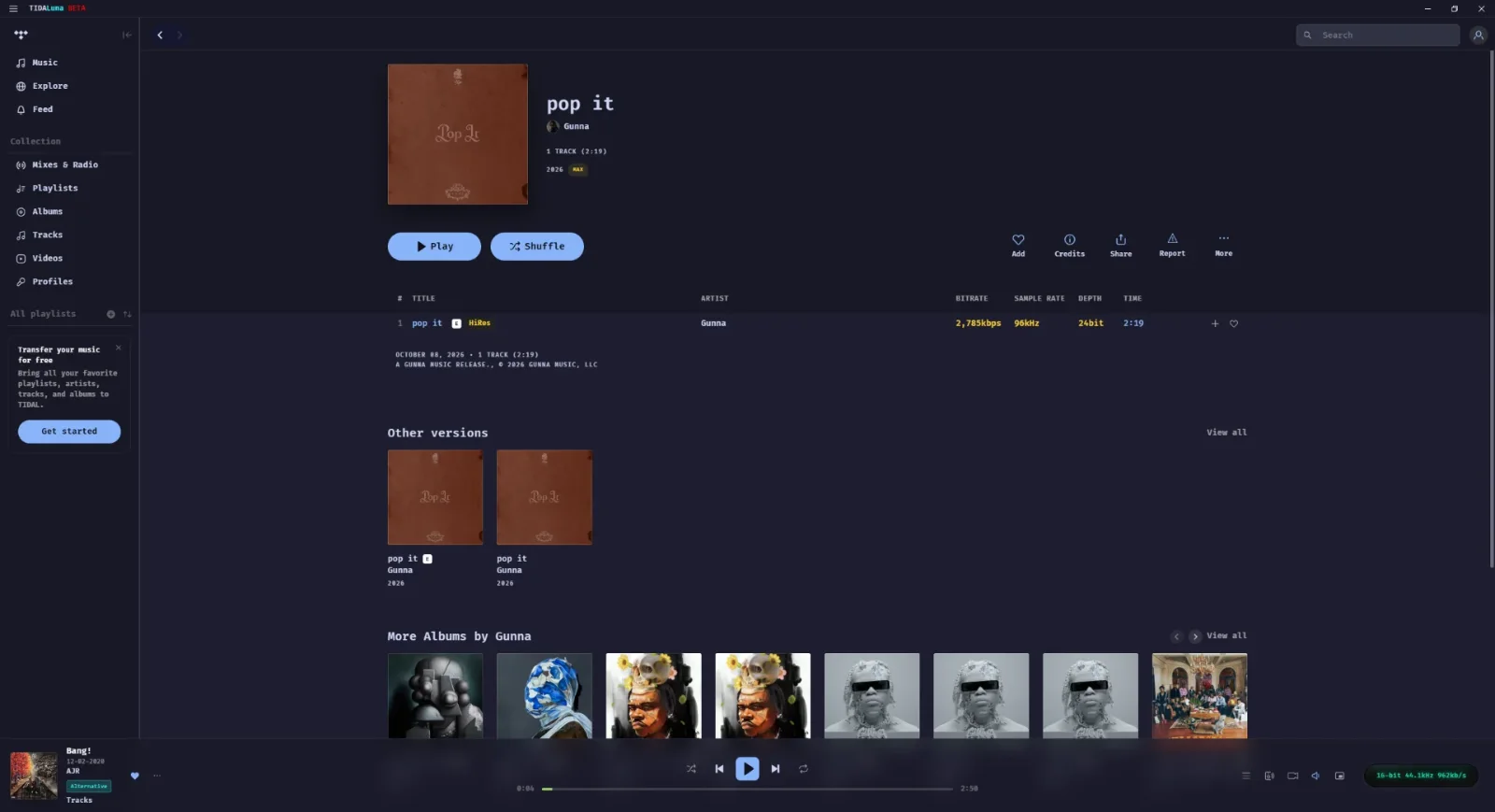
Mocha colours for the TIDAL desktop app, with a frosted player bar.
Needs TidaLuna and its Themer plugin
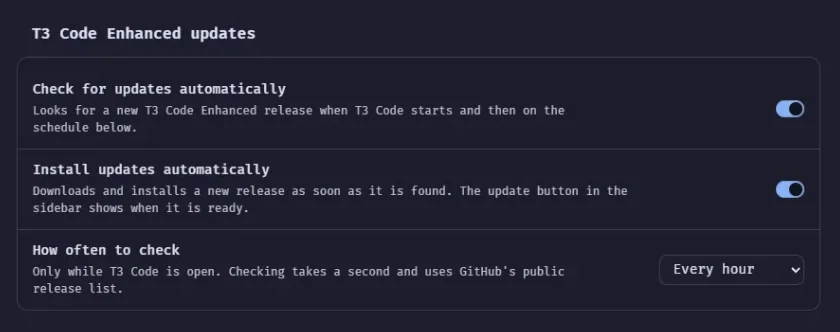
Restyles T3 Code, a desktop app for coding with AI, and adds small fixes. It updates itself and puts the theme back after every T3 Code update.
Needs Windows
All four use Catppuccin Mocha, a popular dark palette, so they also match other Catppuccin themes you might use.
Each app loads themes its own way. These are the short versions, and each GitHub page has the full guide.
https://raw.githubusercontent.com/DavidHiFi/MochaCord-Theme/main/MochaCord.css
Added this way, it updates on its own.
Apps and mods I've made for Windows and for games. All free on GitHub.
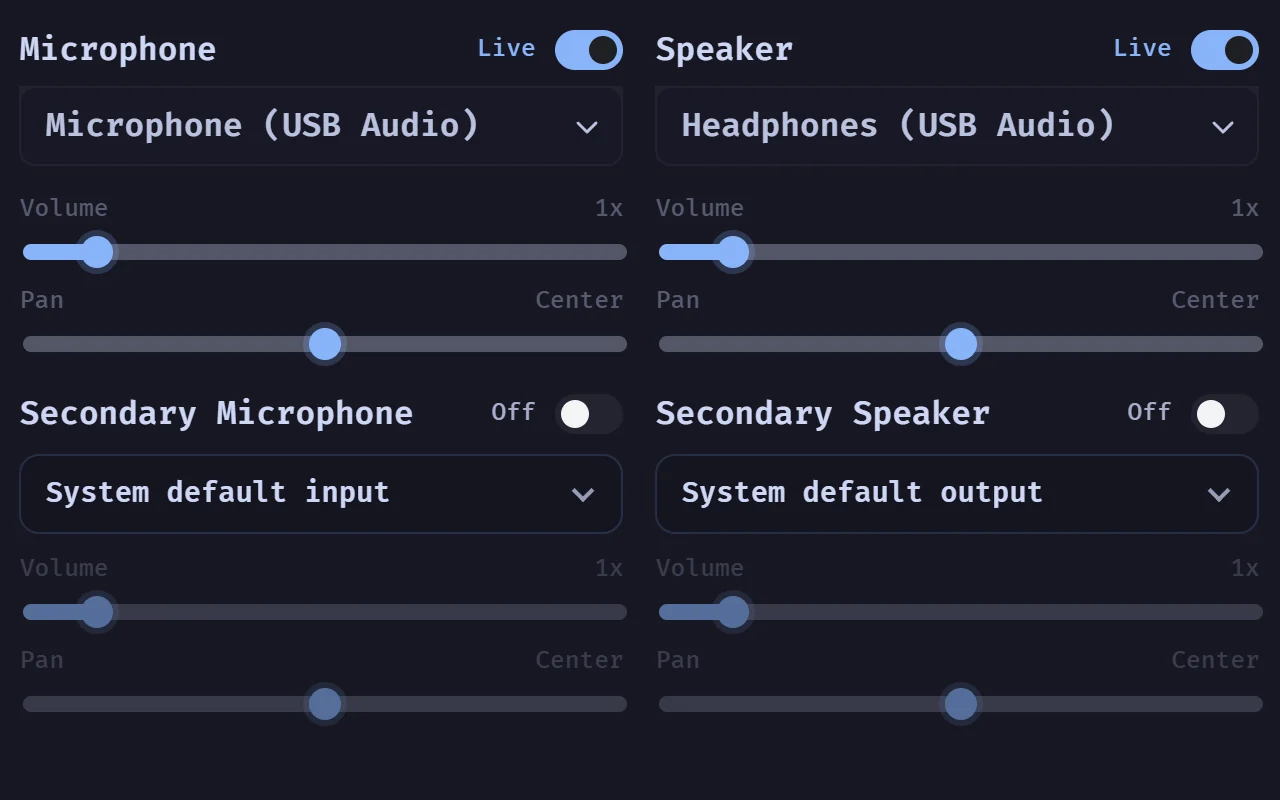
A Discord app for Windows built for voice: stereo sound, extra mics and speakers, voice effects and better screen sharing controls.
See HaloCord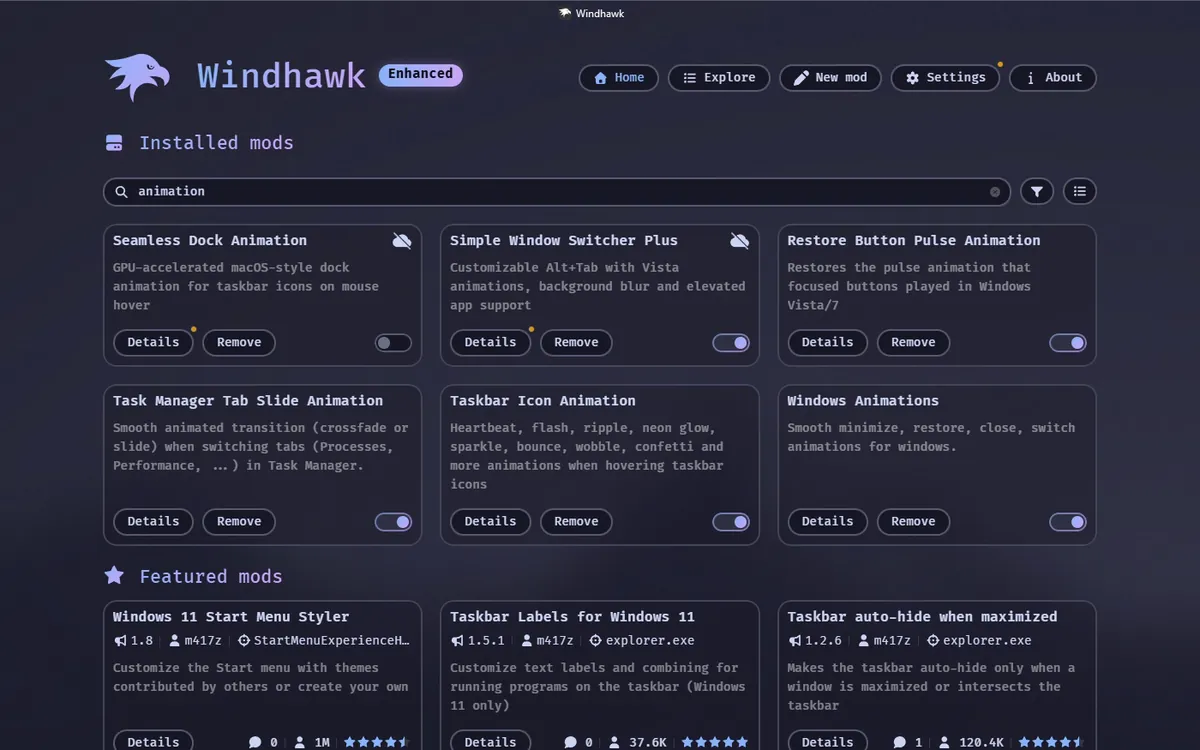
Taskbar, window and Start menu tweaks for Windows 11, and Seamless Workshop: one window that installs them or copies my whole setup onto another PC.
See the mods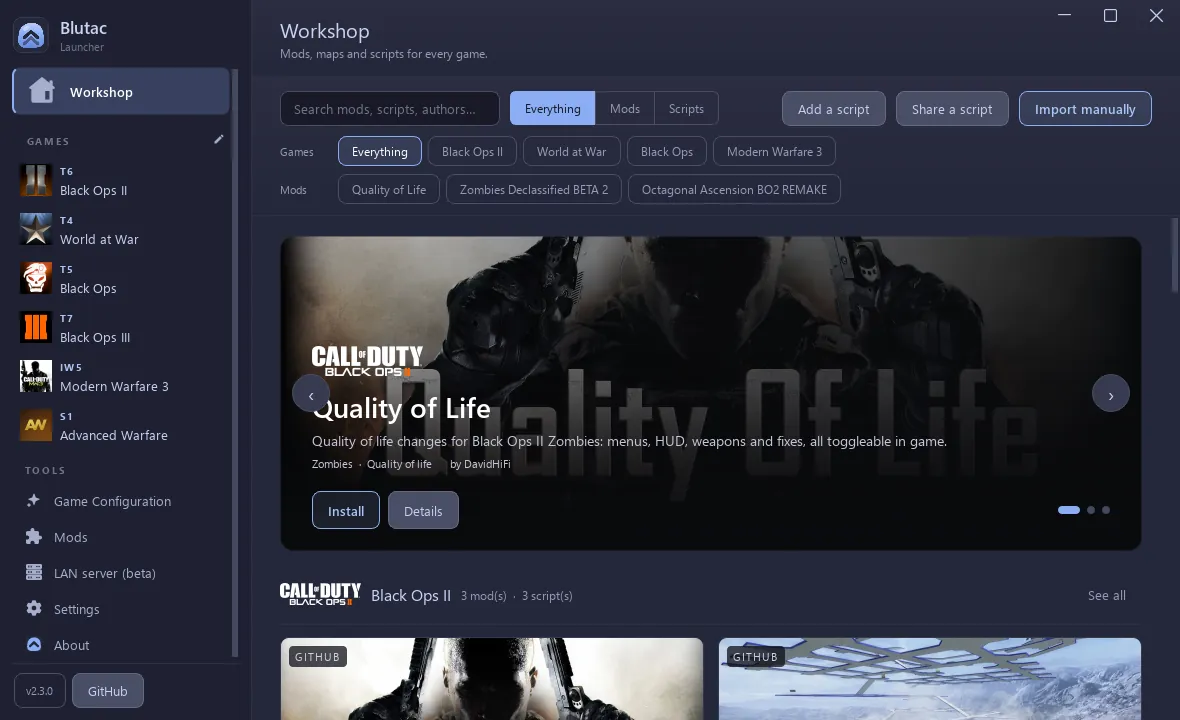
Install, update and launch Call of Duty mods on Plutonium from one window, with LAN play built in.
See the launcher
Black Ops II Zombies with almost every weapon in the Mystery Box, four unreleased wonder weapons and a settings menu in the game.
See the mod
I'm DavidHiFi. I make these for my own Windows PC and share them for free. I use the themes every day, so I notice quickly when an app update breaks one.
On GitHub since 2022 · See all my projects
If a theme made your desktop nicer, you can buy me a coffee.
Support me on Ko-fi